
vOrganizer press kit
Logos, screenshots, descriptions and facts for writing about vOrganizer.
Key facts
- Name
- vOrganizer
- Developer
- Kingpindev (Burak Pekel)
- Platform
- Windows 10 (1809+) and Windows 11
- Category
- Utilities, files
- Works
- Offline, no account
- Website
- vorganizer.kingpindev.com
- Press contact
- admin@kingpindev.com
One line / Short description / Full description
One line
vOrganizer sorts a messy Windows folder by file type in seconds and lets you undo it.
Short description
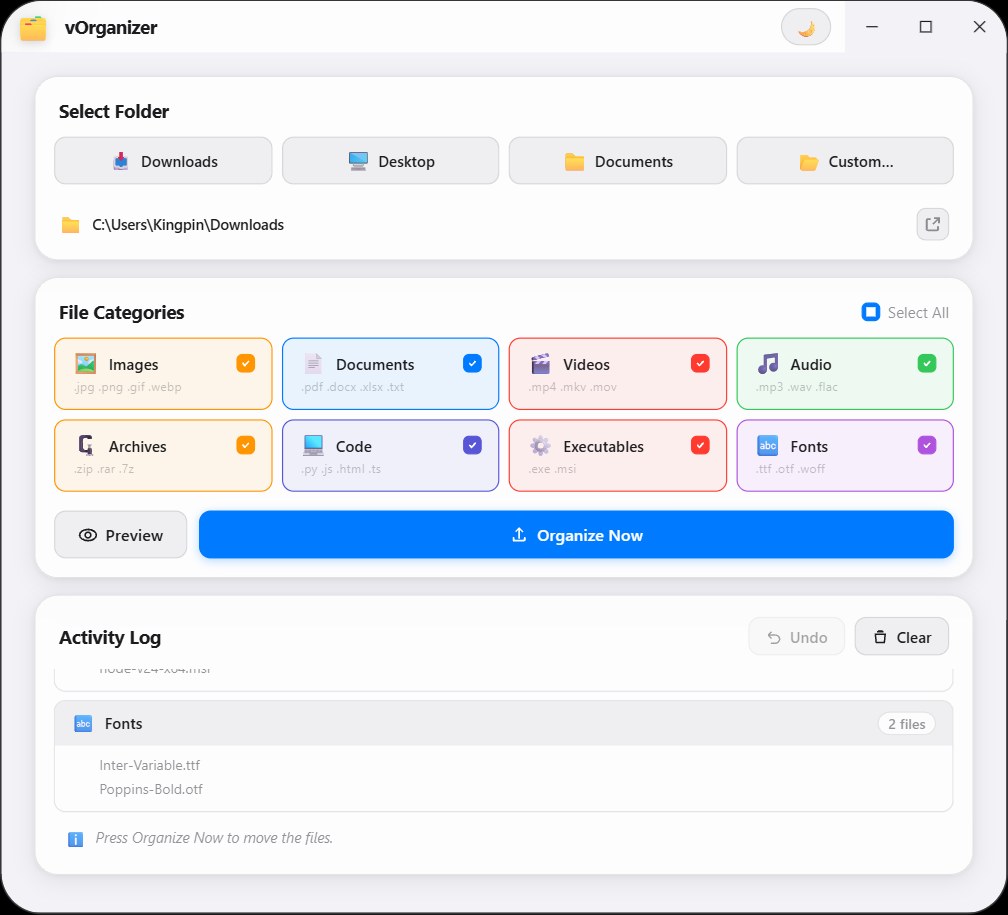
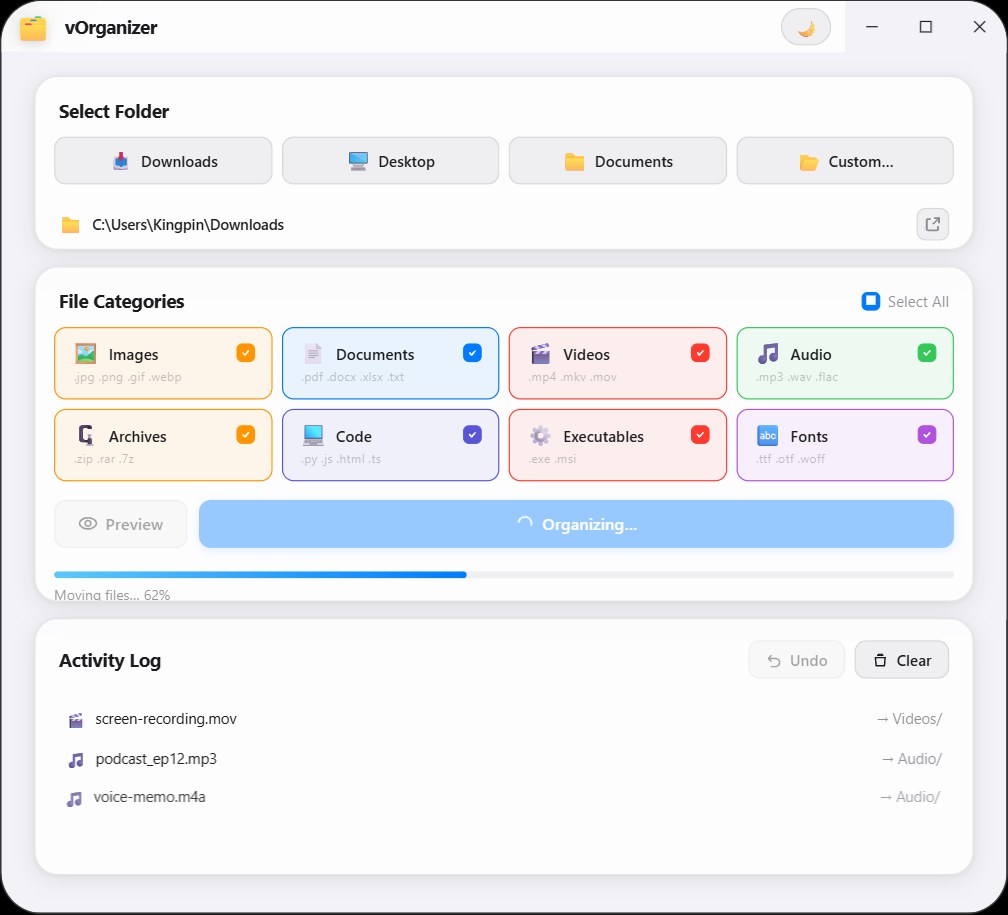
vOrganizer sorts the files in any folder by type: images, documents, videos, audio, archives, code, installers and fonts each go to their own folder. Preview what will move, watch the progress and undo the last run with one click. It works offline and needs no account.
Full description
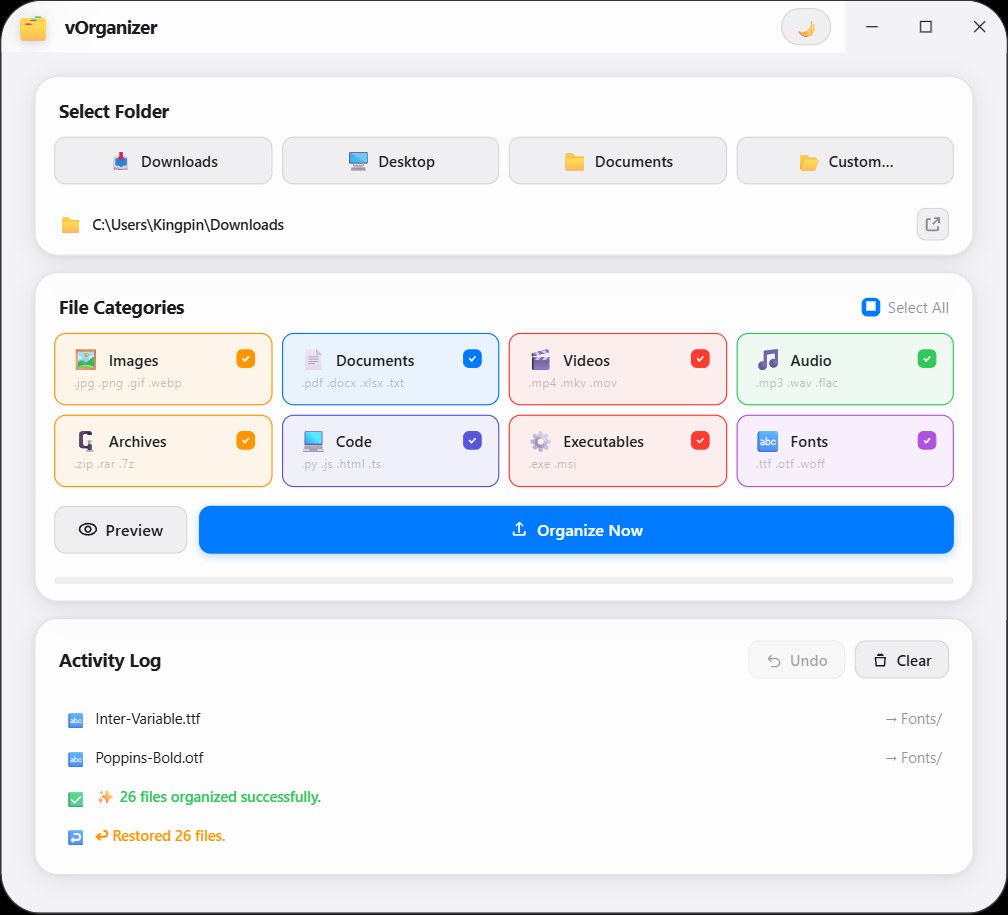
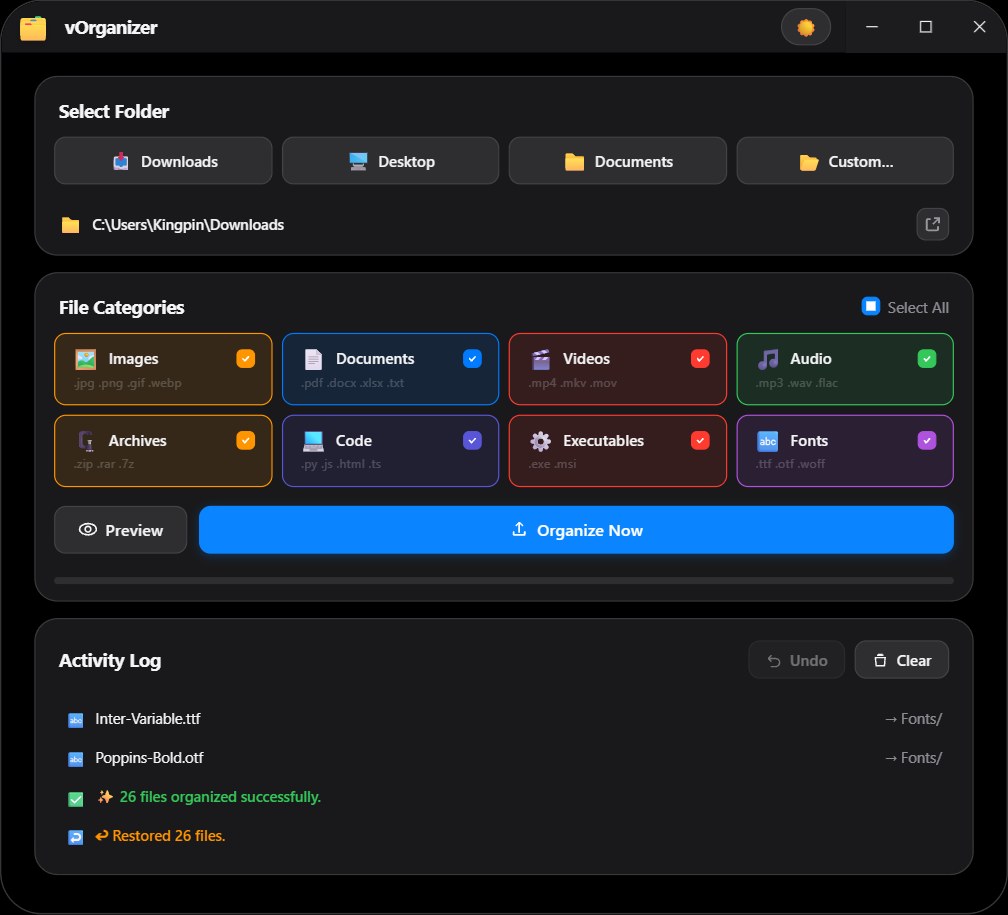
vOrganizer is a small Windows app that turns a messy Downloads, Desktop or Documents folder into tidy category folders. It recognises dozens of file extensions across eight categories (Images, Documents, Videos, Audio, Archives, Code, Executables and Fonts) and puts anything else into Others. A Preview shows exactly which file goes where before anything moves, a progress bar and activity log show the run, and Undo restores the files from the last run to where they were. You can turn categories on or off, choose any folder, and switch between a light and a dark theme. vOrganizer works completely offline, needs no account, never deletes files and is available on the Microsoft Store.
Downloads


Screenshots
Notes for writers
- Screenshots show example folders. Please do not alter the logo.
- When you write about vOrganizer, please link to its Microsoft Store page or to vorganizer.kingpindev.com.
Ready to try vOrganizer?
Get it from the Microsoft Store and set it up in a minute. Write to us at admin@kingpindev.com